Self-Host n8n with Docker
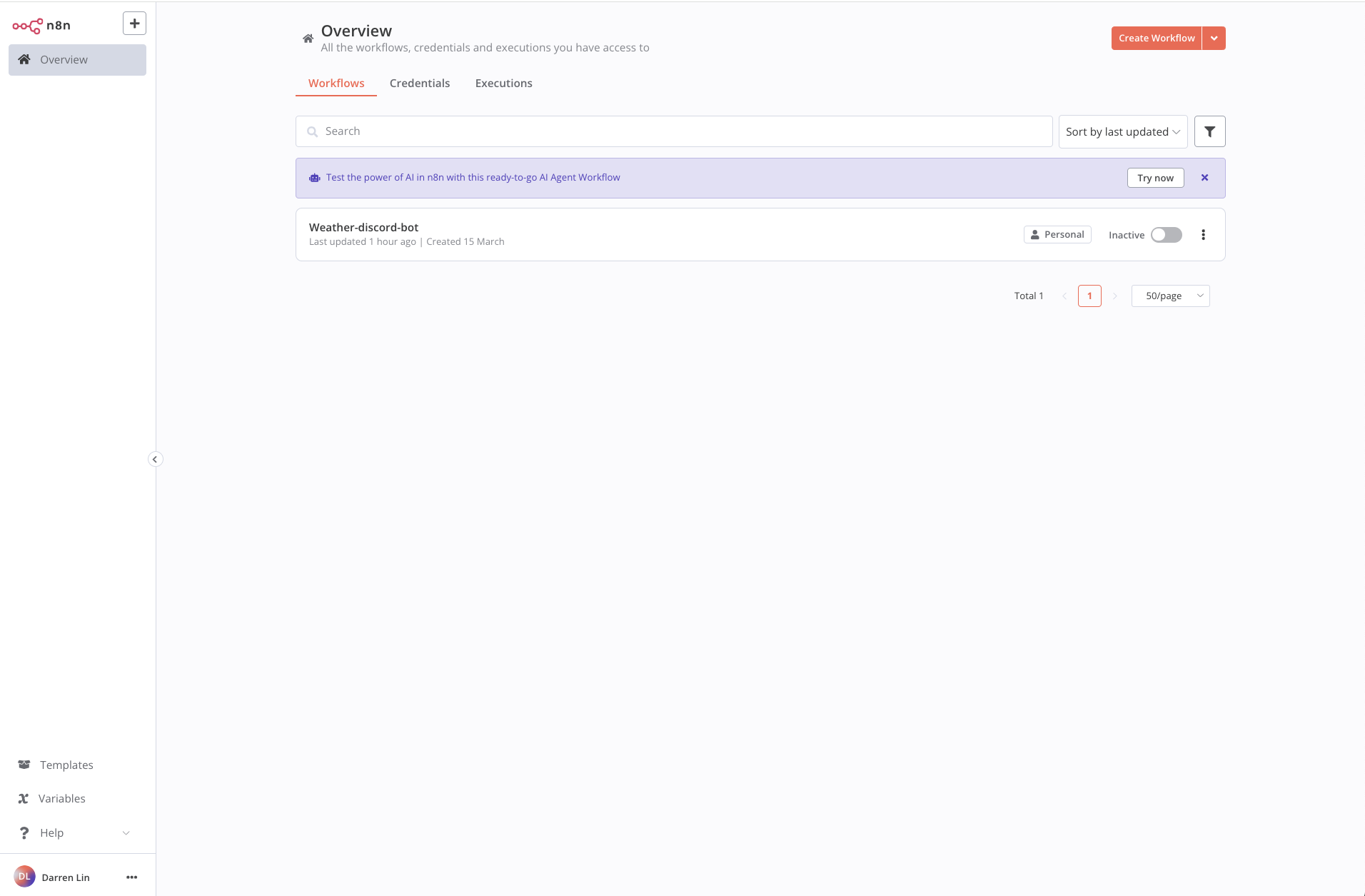
n8n is an open-source workflow automation tool for connecting apps and services. There's a cloud-hosted option, but self-hosting gives you full control over your data — for free. Here's how to get it running locally with Docker and PostgreSQL.
I'm on macOS with Docker Desktop, but these steps work on Windows too.
Prerequisites
- Docker Desktop installed
- Comfortable running terminal commands
- Stable internet connection (to pull Docker images)
Steps
These steps use Docker Compose, which manages multiple containers from a single YAML file (docker-compose.yml). New to Docker? See the official docs.
1. Create a Project Directory
mkdir n8n-docker
cd n8n-docker
2. Create the Docker Compose File
services:
  n8n:
    image: docker.n8n.io/n8nio/n8n:latest
    ports:
      - "5678:5678"
    environment:
      - DB_TYPE=postgresdb
      - DB_POSTGRESDB_HOST=postgres
      - DB_POSTGRESDB_DATABASE=${POSTGRES_DB}
      - DB_POSTGRESDB_USER=${POSTGRES_USER}
      - DB_POSTGRESDB_PASSWORD=${POSTGRES_PASSWORD}
    volumes:
      - ./n8n_storage:/home/node/.n8n
    depends_on:
      - postgres

  postgres:
    image: postgres:16
    environment:
      - POSTGRES_USER=${POSTGRES_USER}
      - POSTGRES_PASSWORD=${POSTGRES_PASSWORD}
      - POSTGRES_DB=${POSTGRES_DB}
    volumes:
      - ./postgres_storage:/var/lib/postgresql/data

volumes:
  n8n_storage:
  postgres_storage:
Notes:
- n8n maps port
5678to the host. - PostgreSQL credentials come from the
.envfile. volumespersist data across restarts.- More options in the n8n docs.
3. Create the .env File
POSTGRES_USER=your_username
POSTGRES_PASSWORD=your_password
POSTGRES_DB=your_n8n_database
4. Start the Services
docker compose up -d
5. Open n8n
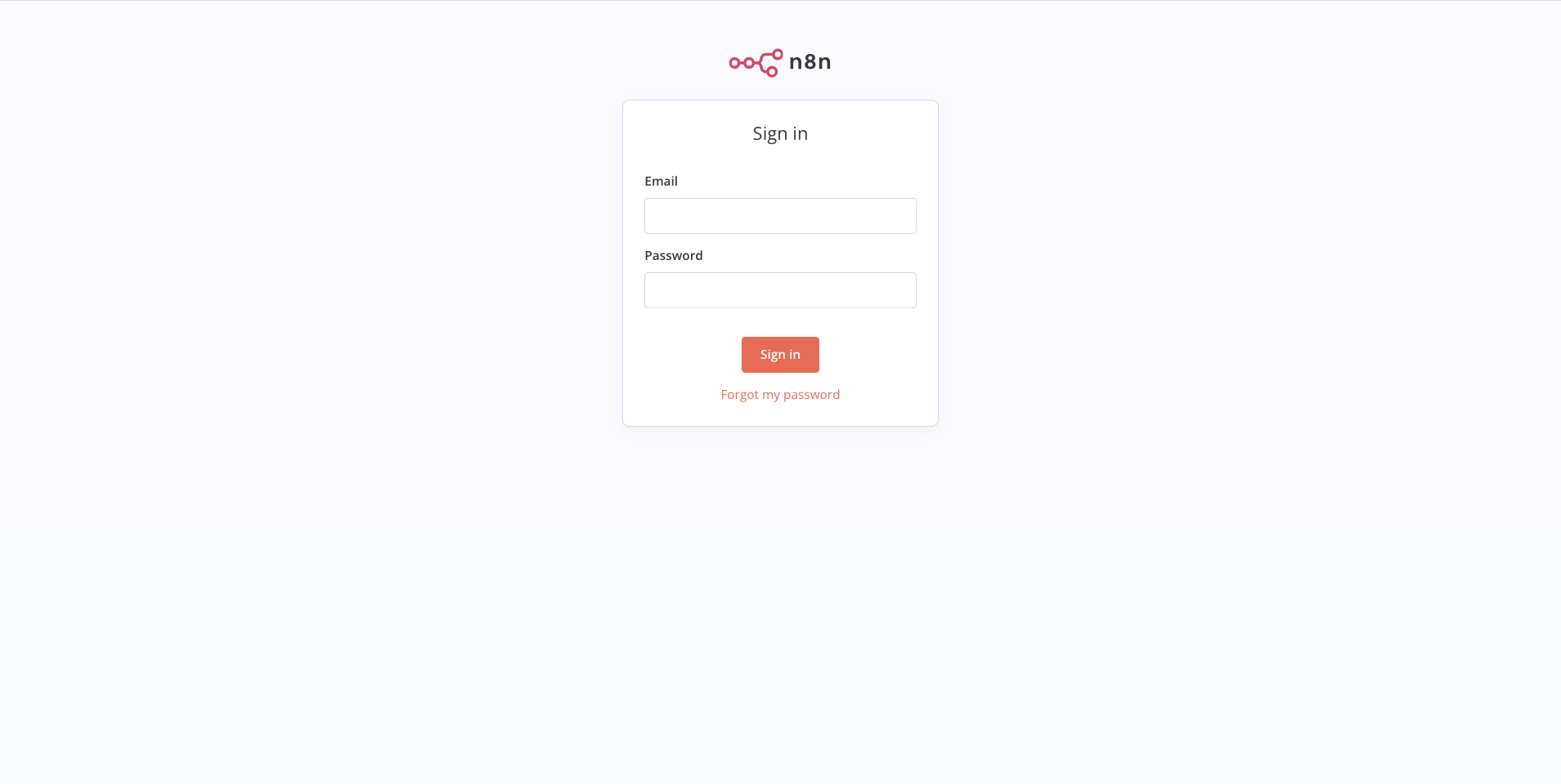
Go to http://localhost:5678. You should see the setup page.
Enter your email, name, and password to create an account. Save these credentials — self-hosted n8n doesn't have "forgot password" by default. Losing them means resetting via the database or setting up an email service.
6. Stop the Services
docker compose down
That's it — n8n is up and running locally.