Installation Guide
Here's how to get Power Automate Desktop installed and ready to use.
System Requirements
- Windows 10 or later (Home, Pro, or Enterprise)
- 4 GB RAM or more
- At least 2 GB free disk space
- Internet connection
Download and Install
Two options:
Option 1: Official Website
-
Go to the Power Automate Desktop download page.
-
Sign in with your Microsoft account (or create one).
-
Download the MSI installer.
-
Run it and follow the prompts.
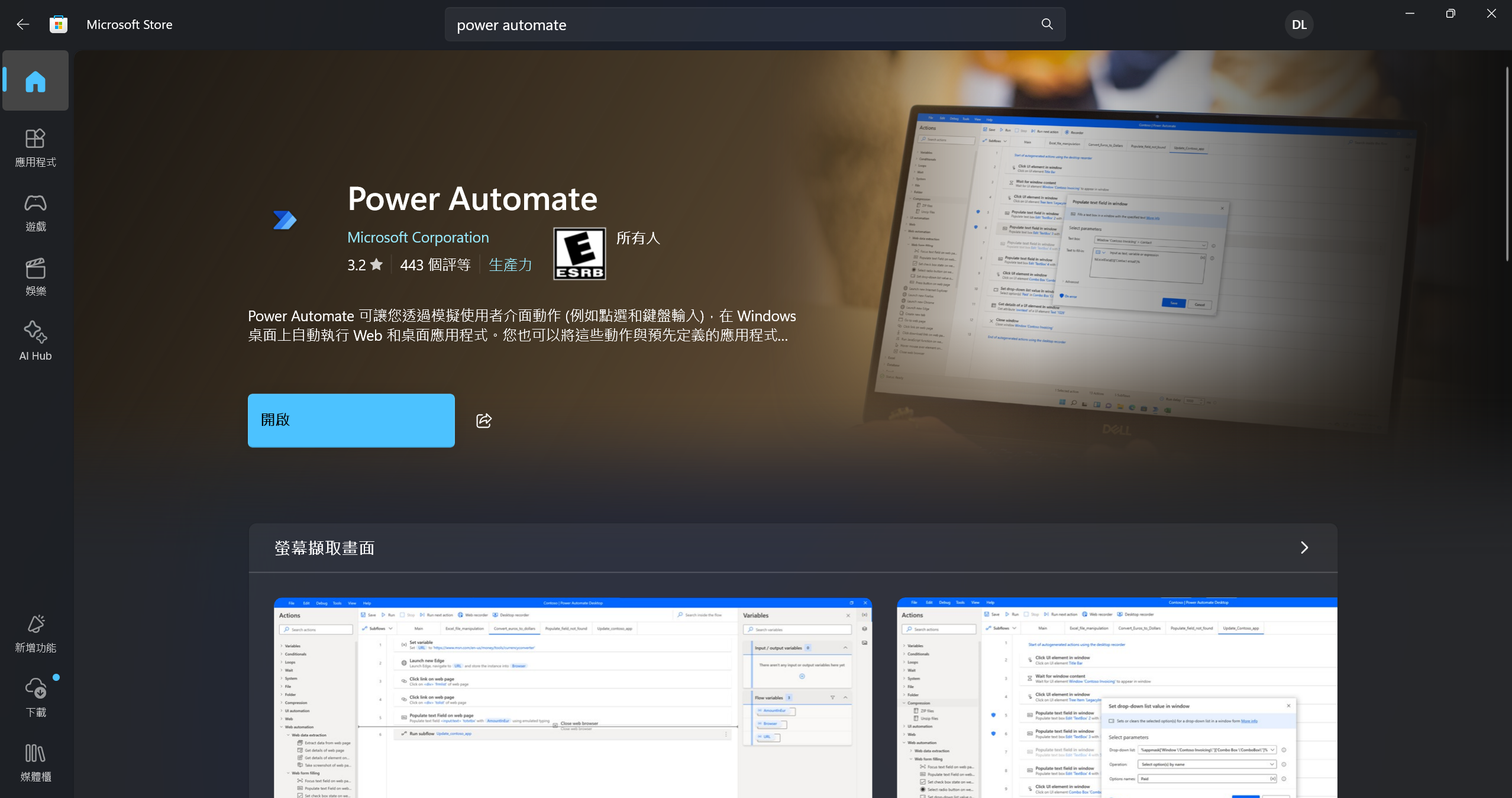
Option 2: Microsoft Store
-
Open the Microsoft Store.
-
Search for Power Automate Desktop.
-
Click Get or Install.
After Installation
-
Launch — Open it from the Start menu or desktop shortcut.
-
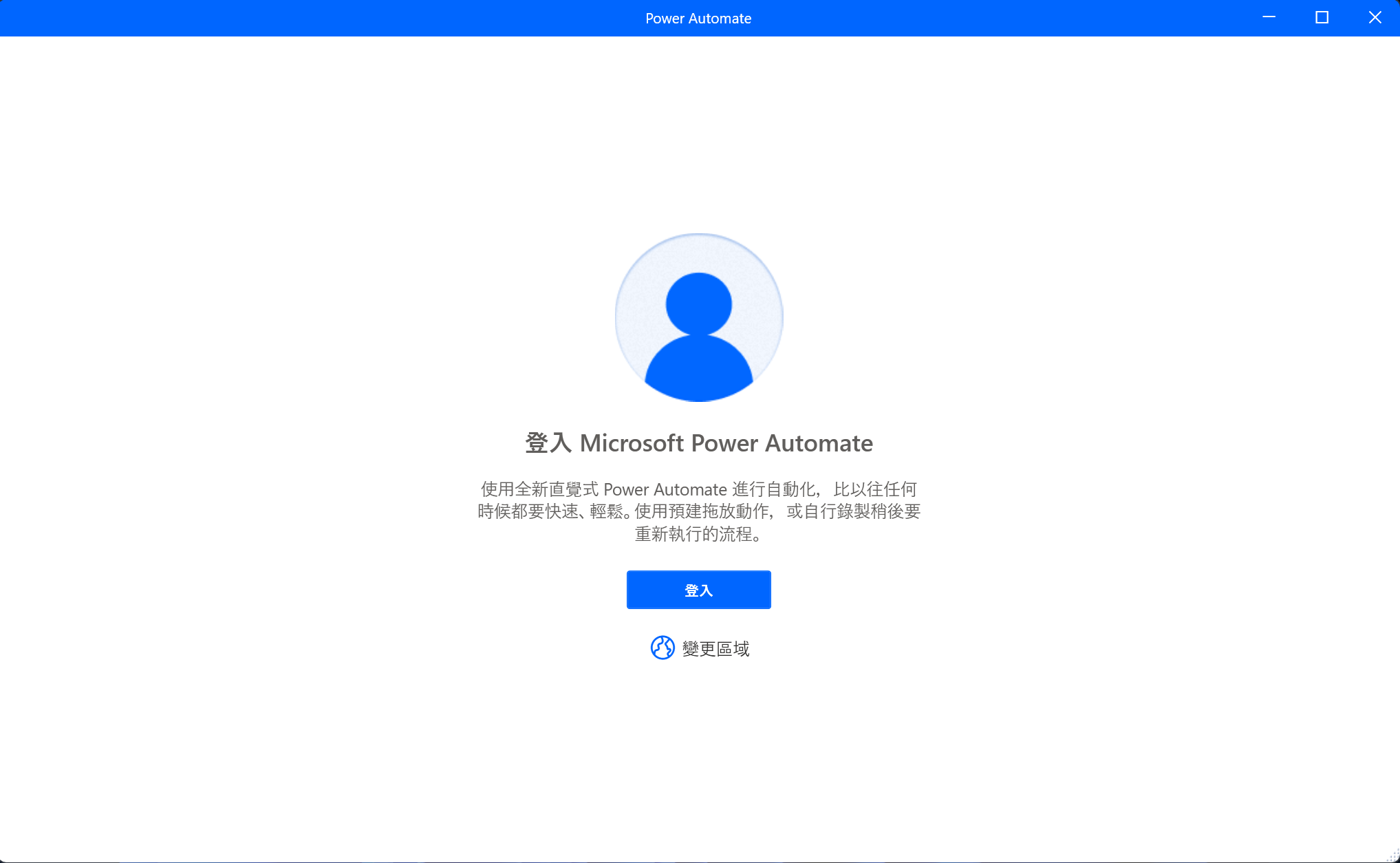
Sign in — Use your Microsoft account.
-
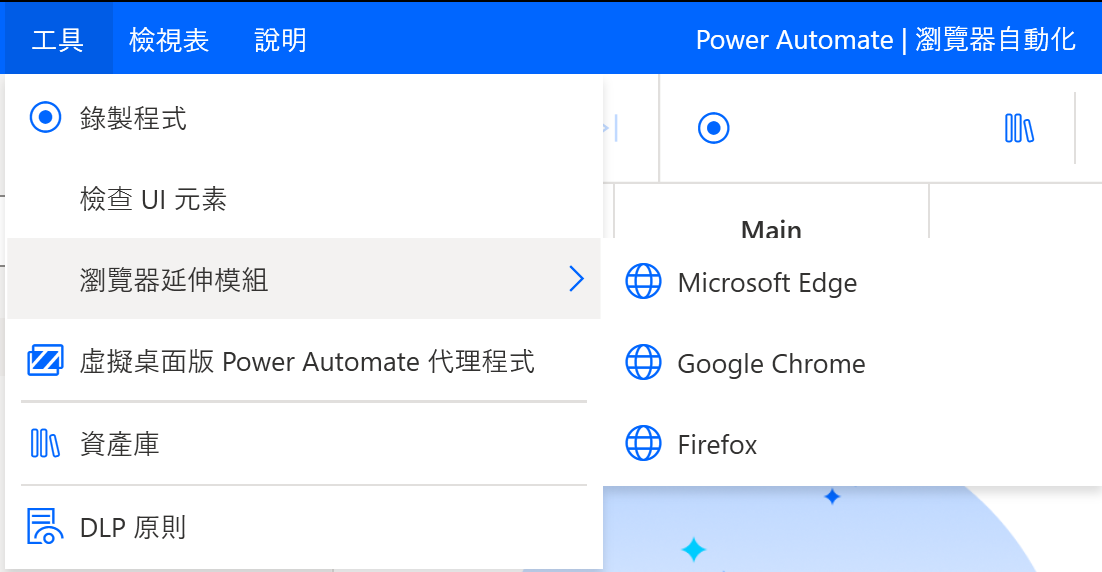
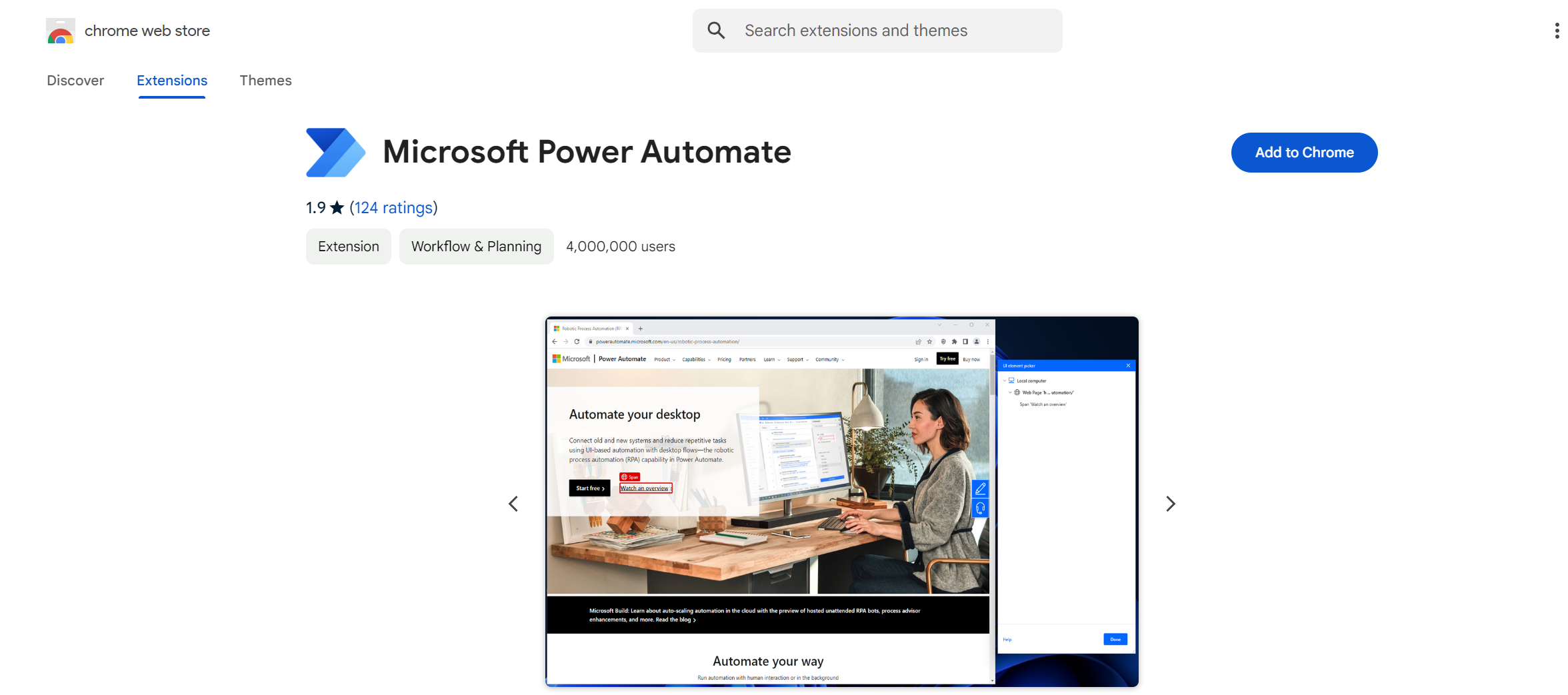
Browser extension — If you need web automation, install the extension when prompted.
Troubleshooting
Run into issues? See Microsoft's troubleshooting guide.